

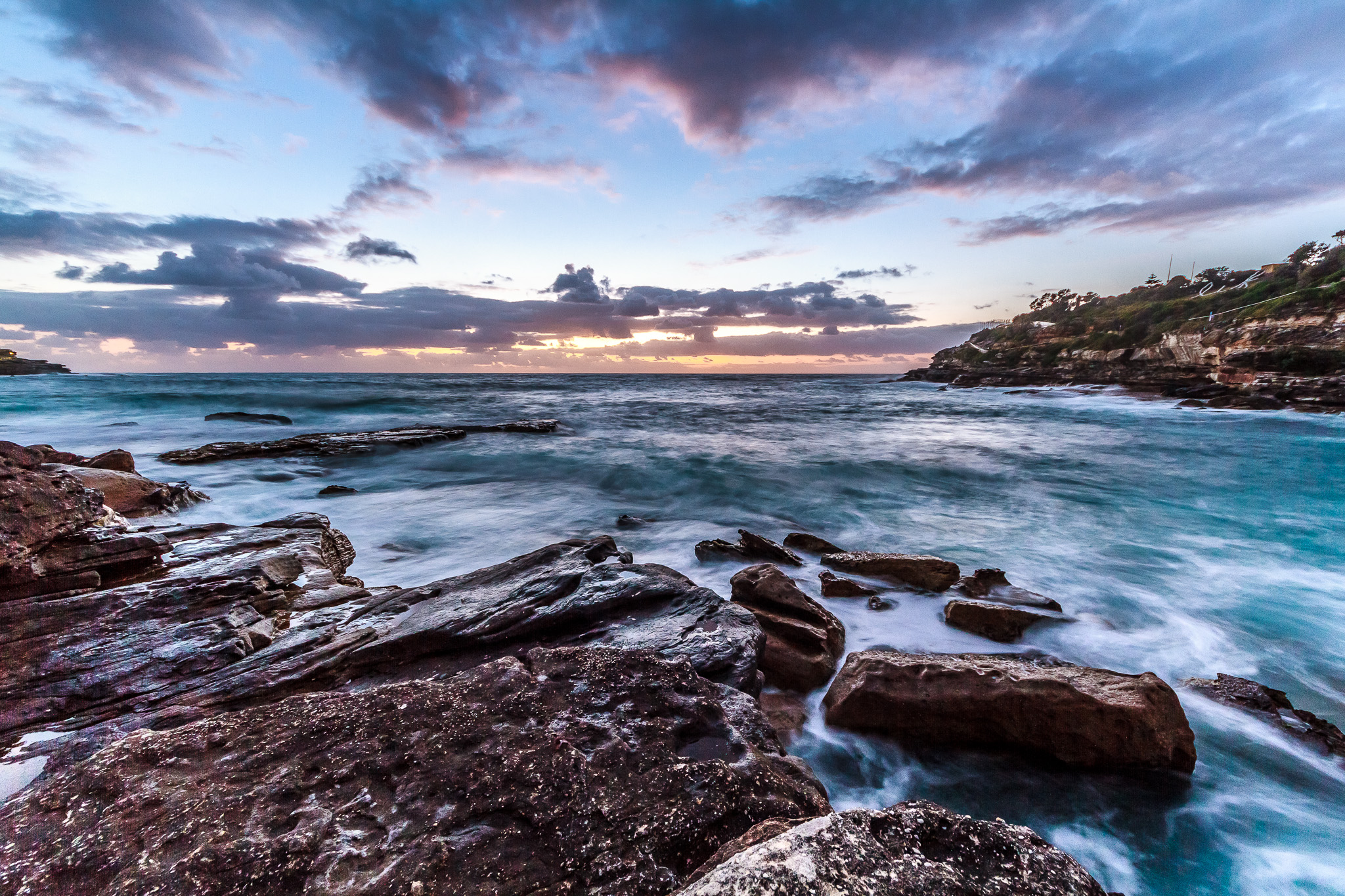





Let’s Edit a Photo – How to make a Dull Landscape photo Rich and Vibrant in Lightroom – LEAP 06
2017
 Harmeet Gabha

[et_pb_section fb_built=”1″ background_color=”#000000″ admin_label=”Section”][et_pb_row admin_label=”Row”][et_pb_column type=”4_4″ parallax=”off” parallax_method=”on”][et_pb_video src=”https://youtu.be/XvHWoDXr_hI” image_src=”https://www.photoinsomnia.com/wp-content/uploads/2017/05/LEAP06-Title.jpg” play_icon_color=”#e09900″ admin_label=”Video – Hide Featured Image in Post”][/et_pb_video][/et_pb_column][/et_pb_row][/et_pb_section][et_pb_section fb_built=”1″ admin_label=”section”][et_pb_row admin_label=”row”][et_pb_column type=”4_4″ parallax=”off” parallax_method=”on”][et_pb_text admin_label=”Text”]
This is the 6th episode of the LEAP show, a show in which I will show you a complete edit of a photo from start to finish.
In this week’s episode I take a dull Landscape photo and make it rich and vibrant using Lightroom. This week’s image was shot in New Plymouth, New Zealand. The image has some obvious flaws and lacks some excitement but in this video we improve on what’s lacking and take it to the next level.
You can also download the image file via the link below.
LEAP06 (5811 downloads )Create your own version of the Edit and share in the comments below. Would love to see what you end up creating.
[/et_pb_text][et_pb_image src=”https://www.photoinsomnia.com/wp-content/uploads/2017/05/HGX9042.jpg” show_in_lightbox=”on” align=”center” admin_label=”Image” saved_tabs=”all”][/et_pb_image][/et_pb_column][/et_pb_row][et_pb_row admin_label=”Row”][et_pb_column type=”1_3″ parallax=”off” parallax_method=”on”][et_pb_text admin_label=”Text” text_font=”PT Serif|on|||” text_font_size=”26″ custom_padding=”60px|||”]
Subscribe
[/et_pb_text][/et_pb_column][et_pb_column type=”1_3″ parallax=”off” parallax_method=”on”][et_pb_cta title=”YouTube Channel” button_url=”https://www.youtube.com/c/HarmeetGabha?sub_confirmation=1″ button_text=”Subscribe” background_color=”#a82400″ admin_label=”YouTube Follow” saved_tabs=”all”][/et_pb_cta][/et_pb_column][et_pb_column type=”1_3″ parallax=”off” parallax_method=”on”][et_pb_cta title=”Facebook Page” button_url=”https://www.facebook.com/photoinsomnia/” button_text=”Like/Follow” background_color=”#3b5998″ admin_label=”Facebook Follow” use_border_color=”on” saved_tabs=”all”][/et_pb_cta][/et_pb_column][/et_pb_row][/et_pb_section]


2 Comments